 Bosman
Bose shut down the SoundTouch cloud on May 6, 2026. Bosman brings your preset buttons, internet radio and multiroom back – and adds podcasts. Available for iOS and Android – one subscription for all your devices.
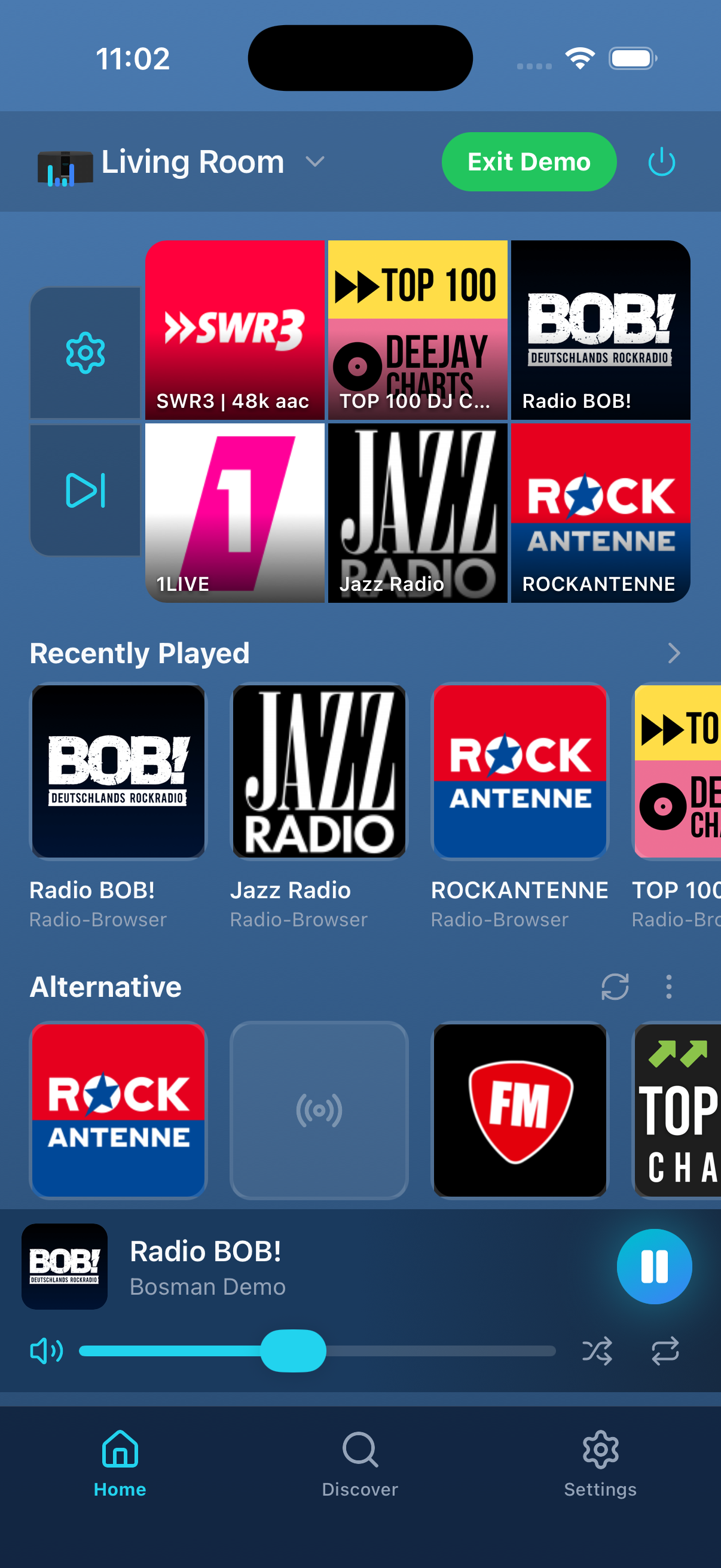
Everything you need to make the most of your SoundTouch system.
With one subscription you can use your Bosman account on multiple devices – across manufacturers, on iOS and Android.
On a tablet, Bosman becomes a control center: speakers, zones and volume stay visible in their own column. In landscape, a panel shows the presets and Now Playing for the selected speaker. The layout adapts to any window size – including Split View. Available since version 1.25.0.
Just install the app – no server, no configuration, no technical knowledge required. Start it up and go.
Finds all Bose SoundTouch devices automatically in your Wi-Fi network.
Browse your media servers and play streams directly on your speakers.
Browse internet radio stations right inside the app and play them on your speakers.
Search for podcasts, follow your favourite shows and pick up on your speakers right where you left off. New episodes show up on the app's home screen. Put a show on a preset – it picks up where you left off and then plays the next episode.
Bosman adapts to every posture of iPhone Duo: folded, unfolded as a control center like on a tablet, and half-open on the table – what's playing up top, controls below.
Keep recent items and presets tied to each device so every speaker has its own quick access setup.
Use extra shortcut buttons right next to the preset buttons to reach important actions faster.
Combine several speakers into a zone and hear the same music at the same time throughout your home.
Pair two SoundTouch 10 speakers as a dedicated left and right stereo setup directly in the app.
Your configured sources are linked to your account and available across all your devices wherever you use Bosman.
The Bose devices still send usage data, but the Bosman server ignores and never stores it.
Bose has discontinued the cloud services for SoundTouch speakers. Without these services, the devices lose key features like internet radio, presets, and management through the original app. Bosman replaces these services and restores full functionality to your speakers.
Speaker control happens directly on your local network. An internet connection is needed for internet radio streaming and initial setup, but basic control works locally.
Bosman supports all Bose SoundTouch speakers with current firmware. We have tested it with the SoundTouch 10, 20, 30, 300 and the Wave SoundTouch. Stereo Mode currently targets pairs of SoundTouch 10 speakers.
No. Just install the Bosman app on your smartphone or tablet – no server, no configuration, no technical knowledge required.
The first 30 days are free. After that, the price shown in your App Store or on Google Play applies. Prices vary by country, currency, and applicable taxes. Apple usually shows tax-inclusive prices, while Google Play may add or display taxes separately depending on the country.
iOS
The change takes effect at the end of your current billing period; until then your current subscription stays active.
Google Play
As long as you only cancel the subscription and do not delete your Bosman account, all your settings are preserved.
Technically, the integration of most of these services is already finished on our side. What is missing is the official approval from the providers: without their permission we are unfortunately not allowed to offer Spotify, TuneIn, Amazon Music and Deezer in Bosman.
You can help: reach out directly to your preferred provider and ask them to approve Bosman. The more users ask, the sooner things may move – together we have the best chances.
Yes. With one subscription you can use your Bosman account on multiple devices – across manufacturers, on iOS and Android. Just sign in with the same Bosman account on each device.
Bose SoundTouch speakers only support WPA2 for WiFi, not WPA3. PMF should be disabled if possible. Communication between WiFi devices must also be allowed. On a FRITZ!Box this is usually under WiFi, Security, Additional Security Settings. Enable "Active wireless devices may communicate with each other".
Free for the first 30 days. After that, the price shown in the App Store or on Google Play applies. Prices vary by country, currency, and tax. With one subscription you can use your Bosman account on multiple devices – across manufacturers, on iOS and Android.